
Editorial Team · on 15 July 2026 · 6 min read · Last reviewed 15 July 2026
What are the best free art programs for animation?
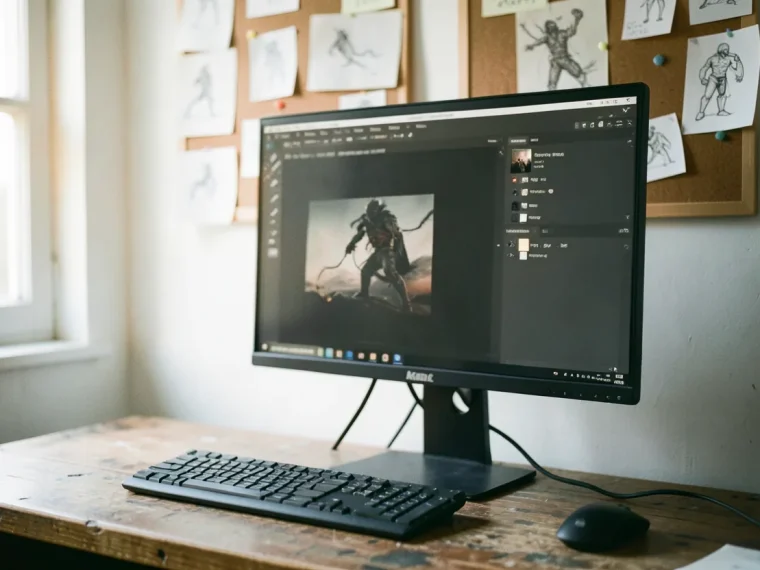
For animation, Krita and OpenToonz are among the best free art programs available. Krita offers a dedicated animation workspace with onion skinning, frame-by-frame animation, and a timeline editor. OpenToonz, the software behind Studio Ghibli’s films, provides advanced features like particle effects and motion tracking. These tools enable artists to create professional-quality animations without the cost of paid software.
In plain terms: Think of these programs as the digital flipbooks of the 21st century, where each frame you draw becomes part of a larger, moving story.
Key facts
- Krita’s animation tools include onion skinning and a timeline editor, making it ideal for frame-by-frame animation.
- OpenToonz, used by Studio Ghibli, offers features like particle effects and motion tracking.
- Both programs support industry-standard formats, ensuring compatibility with other animation software.
- According to the Krita Foundation, many professional animators use these tools to create short films and web series.
What are the best free art programs for vector art?
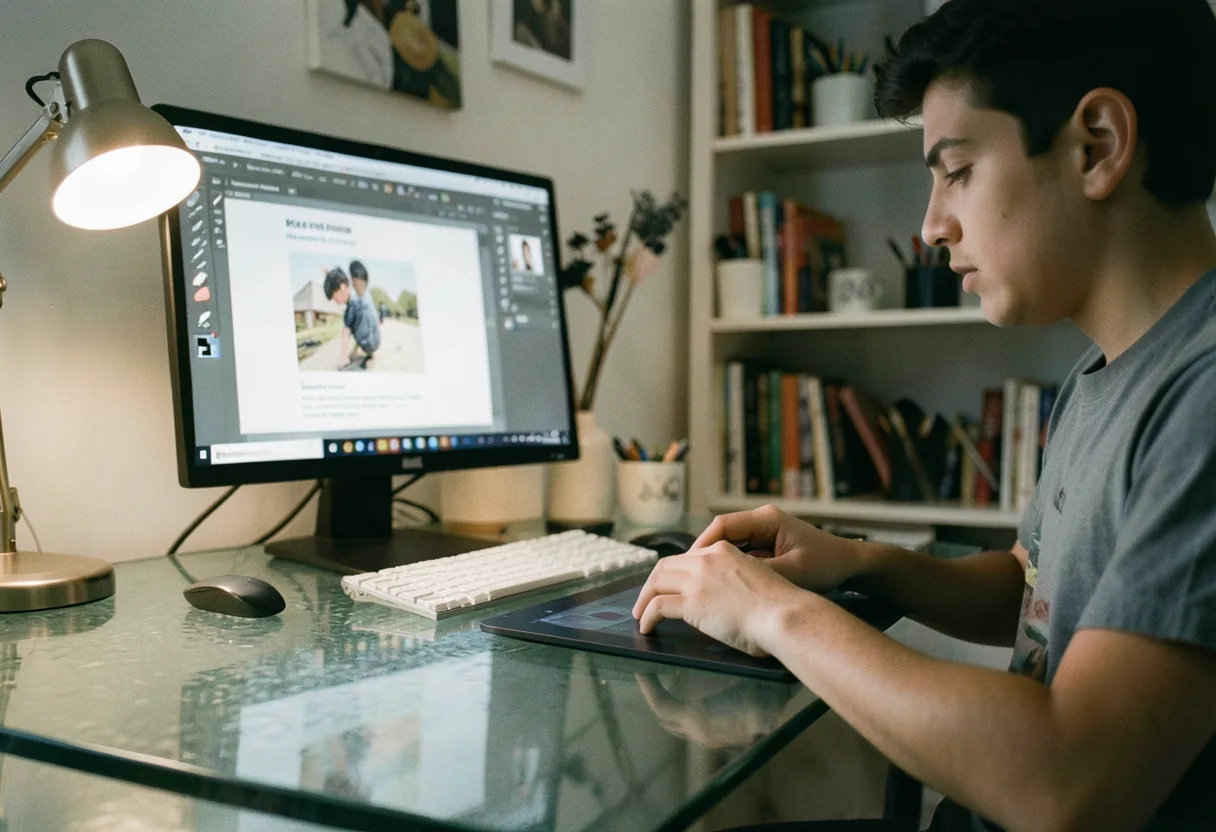
The best free art programs for vector art include Inkscape and Vectr. Inkscape is a powerful open-source vector graphics editor with features like path editing, node manipulation, and support for SVG files. Vectr offers a user-friendly interface with real-time collaboration features, making it ideal for beginners and teams. These programs provide the tools needed to create scalable graphics for logos, illustrations, and web design.
In plain terms: Imagine drawing with digital lines that can stretch to any size without losing quality, much like a blueprint that can be enlarged or reduced without losing detail.
Key facts
- Inkscape supports SVG files and offers advanced features like path editing and node manipulation.
- Vectr provides real-time collaboration tools, allowing multiple users to work on the same project simultaneously.
- Both programs are compatible with industry-standard file formats, ensuring seamless integration with other design tools.
- According to the Inkscape website, many designers use these tools to create logos, icons, and web graphics.
Which free art programs offer the most advanced features?
Krita and GIMP offer the most advanced features among free art programs. Krita includes professional-grade tools like brush engines, animation support, and layer management. GIMP provides advanced image editing capabilities, including layer masks, color correction, and support for plugins. These programs are widely used by professionals and hobbyists alike, offering a robust alternative to paid software.
In plain terms: Think of these programs as the Swiss Army knives of digital art, equipped with every tool you need to bring your creative visions to life.
Key facts
- Krita offers a wide range of brush engines and layer styles, making it ideal for digital painting and illustration.
- GIMP provides advanced image editing features, including layer masks and color correction.
- Both programs support a wide range of file formats, ensuring compatibility with other design tools.
- According to the GIMP website, many professional artists use these tools to create high-quality artwork.
How do free art programs compare to paid software?
Free art programs like Krita and GIMP compare favorably to paid software like Adobe Photoshop and Corel Painter. While they may lack some specialized features, they offer a robust set of tools for digital painting, illustration, and image editing. Krita, for example, includes brush engines and animation support, while GIMP provides advanced image editing capabilities. These programs are widely used by professionals and hobbyists, demonstrating their capability to compete with paid software.
In plain terms: Imagine having access to a high-end art studio without the hefty price tag, where the tools are just as powerful but come with a community-driven twist.
Key facts
- Krita offers professional-grade tools like brush engines and animation support, comparable to Adobe Photoshop.
- GIMP provides advanced image editing features, similar to those found in Corel Painter.
- Both programs support a wide range of file formats, ensuring compatibility with other design tools.
- According to a survey by the Digital Art Community, many professionals use free art programs as their primary tools.
| Feature | Krita | GIMP | Adobe Photoshop |
|---|---|---|---|
| Brush Engines | Yes | Limited | Yes |
| Layer Management | Yes | Yes | Yes |
| Animation Support | Yes | No | Yes |
| Color Correction | Yes | Yes | Yes |
| Plugin Support | Yes | Yes | Yes |
What are the best free art programs for digital painting?
The best free art programs for digital painting include Krita and Paint Tool SAI. Krita offers a wide range of brush engines and customizable brushes, making it ideal for detailed digital painting. Paint Tool SAI, while not entirely free, offers a free trial and is known for its smooth brush strokes and intuitive interface. These programs provide the tools needed to create high-quality digital paintings.
In plain terms: Think of these programs as the digital canvases where every brush stroke feels as natural as painting with traditional media.
Key facts
- Krita offers a wide range of brush engines and customizable brushes, making it ideal for digital painting.
- Paint Tool SAI is known for its smooth brush strokes and intuitive interface.
- Both programs support a wide range of file formats, ensuring compatibility with other design tools.
- According to the Digital Painting Community, many artists use these tools to create professional-quality artwork.
What are the best free art programs for graphic design?
The best free art programs for graphic design include Inkscape and Canva. Inkscape is a powerful open-source vector graphics editor with features like path editing, node manipulation, and support for SVG files. Canva offers a user-friendly interface with a wide range of templates and design elements, making it ideal for beginners and professionals alike. These programs provide the tools needed to create scalable graphics for logos, illustrations, and web design.
In plain terms: Imagine having a digital design studio at your fingertips, where you can create stunning graphics with just a few clicks.
Key facts
- Inkscape supports SVG files and offers advanced features like path editing and node manipulation.
- Canva provides a user-friendly interface with a wide range of templates and design elements.
- Both programs are compatible with industry-standard file formats, ensuring seamless integration with other design tools.
- According to the Graphic Design Tools website, many designers use these tools to create logos, icons, and web graphics.
What are the best free art programs for photo editing?
The best free art programs for photo editing include GIMP and PhotoPea. GIMP offers advanced image editing capabilities, including layer masks, color correction, and support for plugins. PhotoPea is a web-based photo editor that offers a user-friendly interface and a wide range of editing tools. These programs provide the tools needed to enhance and manipulate photographs with professional results.
In plain terms: Think of these programs as the digital darkrooms where you can transform ordinary photos into stunning works of art.
Key facts
- GIMP offers advanced image editing features, including layer masks and color correction.
- PhotoPea is a web-based photo editor with a user-friendly interface and a wide range of editing tools.
- Both programs support a wide range of file formats, ensuring compatibility with other design tools.
- According to the Photo Editing Tools website, many photographers use these tools to enhance and manipulate their images.
| Feature | GIMP | PhotoPea | Adobe Lightroom |
|---|---|---|---|
| Layer Masks | Yes | Yes | Yes |
| Color Correction | Yes | Yes | Yes |
| Plugin Support | Yes | No | Yes |
| Web-Based | No | Yes | No |
| User-Friendly Interface | Yes | Yes | Yes |
To grow as an artist, explore the features of Krita, GIMP, and Inkscape, and join online communities for support and inspiration. Whether you’re a beginner or an experienced artist, these tools can help you bring your creative visions to life.
Frequently asked questions
What is Krita and why should beginners use it?
Krita is a free, open-source digital painting software designed for artists. Beginners should use it because it offers a user-friendly interface with powerful tools like brush stabilization and layer management, similar to paid software but without the cost. It's particularly strong in concept art and illustrations, with a community-driven development ensuring constant improvements.
How do I get started with Krita?
Download Krita from the official website and install it. Open the software, and familiarize yourself with the workspace. Start by exploring the default brushes and creating a new document. Use the built-in tutorials to learn basic functions like layer creation and brush customization. Krita's documentation and community forums are excellent resources for step-by-step guidance.
What are some essential tools in Krita for beginners?
Begin with the brush tool for painting and sketching. Use the selection tools to isolate areas for detailed work. Layers are crucial for organizing your work; learn to duplicate, merge, and adjust their opacity. The color picker helps match hues precisely, and the transformation tool allows resizing and rotating elements. Krita's mirror tool is unique for creating symmetrical designs efficiently.
Are there any online resources or communities for Krita beginners?
Yes, the official Krita website has a comprehensive manual and video tutorials. YouTube channels like "Krita Tutorials" offer beginner-friendly guides. The Krita Artists forum and Discord server are active communities where you can ask questions, share work, and get feedback. These resources provide a supportive environment to learn and improve your skills.